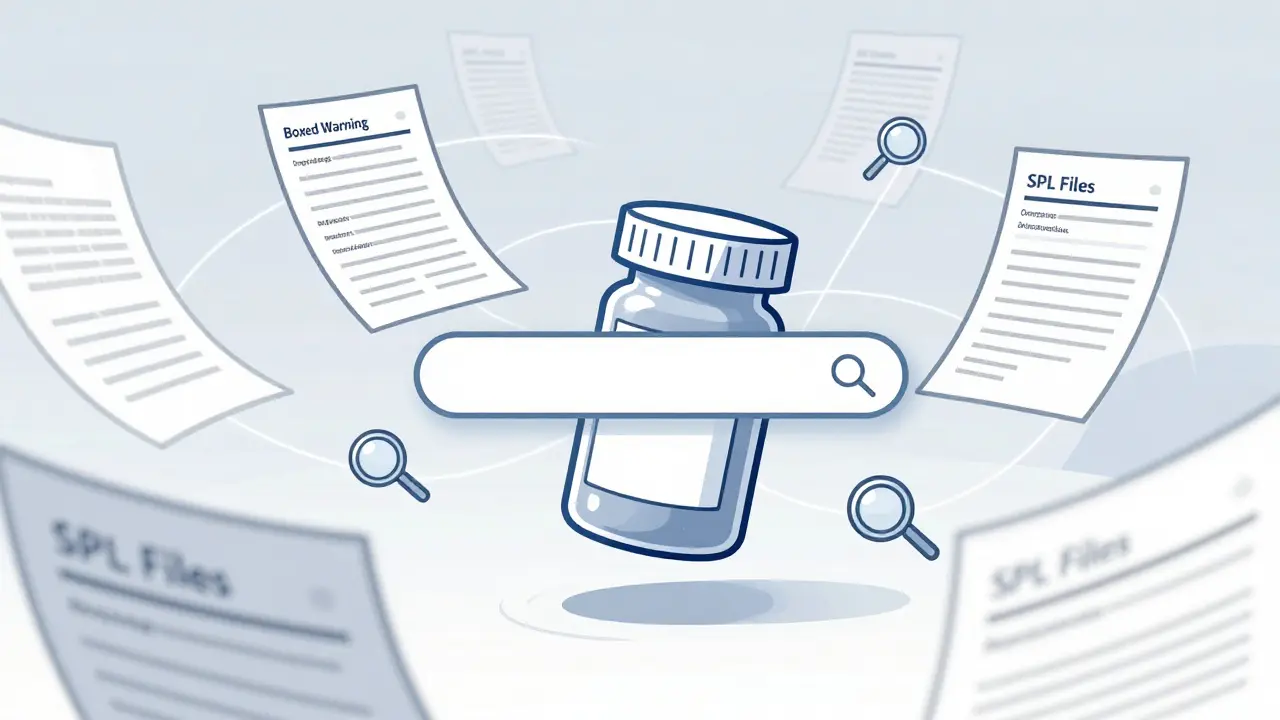
Every time you pick up a prescription bottle, there’s a 149,000-document database behind it. That’s the FDALabel Database - the official, free, and fully searchable archive of every FDA-approved drug label in the U.S. It’s not just for pharmacists or regulators. If you’ve ever wondered why a drug has a black box warning, what drugs interact with your medication, or how often a side effect shows up across different brands, FDALabel has the answers - if you know how to use it.
What FDALabel Actually Is (And What It’s Not)
FDALabel is not a drug price checker. It doesn’t tell you which pharmacy has the cheapest pills. It’s not a clinical decision tool that tells you whether to prescribe something. And it won’t show you patient reviews or side effect stories from Reddit.
What it does give you is the raw, official, legally binding text from the drug manufacturer’s FDA-approved labeling. That’s the full说明书 - every warning, dosage note, interaction, and clinical trial result submitted to the FDA. These documents are called Structured Product Labeling (SPL) files, and FDALabel is the only public tool that lets you search them inside specific sections like Boxed Warnings, Adverse Reactions, or Drug Interactions.
Think of it like Google for drug labels - but instead of searching the web, you’re searching the exact words that the FDA legally requires companies to include. That makes it the gold standard for accuracy. No other free tool offers this depth.
Who Uses FDALabel - And Why
You don’t need to be a scientist to use FDALabel, but you’ll get the most out of it if you understand what you’re looking for. Here’s who uses it and why:
- Doctors and pharmacists check it to confirm exact contraindications before prescribing, especially for patients on multiple drugs. A quick search for “drug interaction with warfarin” can save a hospital stay.
- Researchers use it to track how often certain side effects appear across drug classes. One 2023 study combined FDALabel with AI to find patterns in rare liver injuries - something impossible with manual review.
- Pharmaceutical companies study competitors’ labels to see how they frame risks, what ingredients they use, and how they position their products. Some even use it to design similar drugs without copying patents.
- Patients and caregivers can look up the real risks of a new medication, not just the glossy marketing version. Want to know how often people on your new antidepressant had suicidal thoughts? FDALabel has the numbers.
- Regulatory professionals rely on it daily to verify compliance, audit labeling claims, and prepare submissions. It’s their go-to reference.
How to Search FDALabel Like a Pro
At first glance, FDALabel looks like a simple search box. But its power comes from filtering. Here’s how to get precise results:
- Start with the basics: Go to www.fda.gov/FDALabelTool or nctr-crs.fda.gov/fdalabel. No login needed.
- Use the search bar: Type in a term like “acute liver failure” or “QT prolongation.” This searches the entire label - all sections.
- Narrow by category: Click “Product Category” and choose “Human Prescription,” “OTC,” or “Animal.” Most users focus on prescription drugs.
- Filter by application type: “NDA” (New Drug Application) means brand-name drugs. “ANDA” means generics. “BLA” is for biologics like insulin or monoclonal antibodies.
- Search within sections: This is where FDALabel beats everything else. Click “Section” and pick “Boxed Warning,” “Adverse Reactions,” or “Drug Interactions.” Searching only in “Boxed Warning” for “hepatotoxicity” will give you only the most serious warnings - not every mention of liver issues.
- Use MedDRA terms: If you’re looking for side effects, use the standardized MedDRA terms. “Hepatocellular injury” is the official term - not “liver damage.” The database maps common words to these codes, but using the exact term gives cleaner results.
- Search by pharmacologic class: Looking for all beta-blockers? Type “beta blocker” in the pharmacologic class field. You’ll get every drug in that class, even if the label doesn’t use the same wording.
Example: A nurse wants to know which diabetes drugs carry the highest risk of pancreatitis. She searches:
- Text: “pancreatitis”
- Section: “Adverse Reactions”
- Product Category: “Human Prescription”
- Application Type: “NDA”
Result: 12 drugs show up - including one that’s rarely discussed in patient brochures. She finds the exact wording used in the label: “Incidence of acute pancreatitis was 0.3% in clinical trials.” That’s the kind of detail you won’t get anywhere else.
Exporting and Saving Your Searches
Version 2.9 (released July 2024) added two game-changing features:
- Excel export: You can now download results as an Excel file - not just CSV. The Excel file has two tabs: one with the search results, and another with metadata - including the exact link to your search, the result links, and the time you exported it. This is huge for audits or team reports.
- Locked header: When you scroll through 50+ results, the column headers stay pinned at the top. No more losing track of what “Drug Name” or “Application Number” means.
Even better: Every search you run gets a permanent link. Copy it. Email it. Save it. Share it with a colleague. That link will always take you back to the exact same results - even if the database updates tomorrow. No need to retype your filters.
FDALabel vs. Other FDA Tools
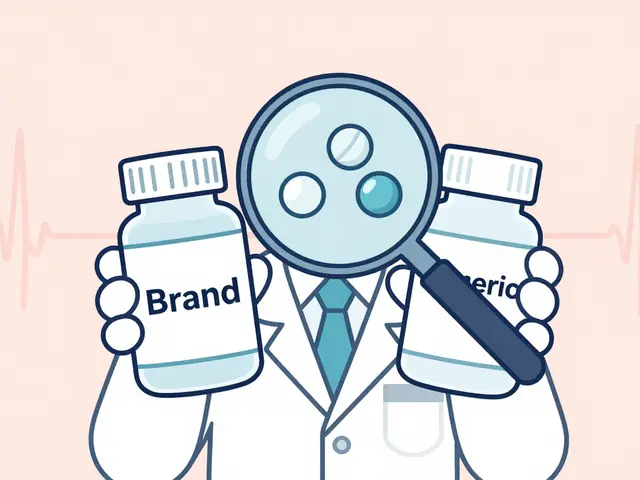
People often confuse FDALabel with Drugs@FDA or DailyMed. Here’s the difference:
| Feature | FDALabel | Drugs@FDA | DailyMed |
|---|---|---|---|
| Searches inside label sections | Yes - Boxed Warning, Interactions, etc. | No - only approval history | Partial - text search only |
| Search by pharmacologic class | Yes | No | No |
| Search by MedDRA adverse event terms | Yes | No | No |
| Excel export | Yes (since July 2024) | No | No |
| Permanent search links | Yes | No | No |
| Number of documents | 149,000+ | ~15,000 (approval records) | ~150,000 (same source, but no advanced search) |
Drugs@FDA tells you when a drug was approved, who made it, and if it’s generic. DailyMed shows you the label text - but you can’t search inside it. FDALabel is the only one that lets you find the label based on what’s inside it.
Limitations and What FDALabel Doesn’t Do
It’s powerful, but not perfect:
- No pricing: You won’t find cost, insurance coverage, or coupons.
- No clinical guidance: It doesn’t tell you what dose to give or how to manage side effects.
- No real-time data: Updates happen twice a month - not instantly. A new warning might take 30 days to appear.
- Terminology barrier: If you don’t know MedDRA terms or FDA jargon (like “NDA” vs “ANDA”), your searches might miss results. The Quick Start Manual helps, but it’s not beginner-friendly.
- No integration with EHRs: You can’t pull this data into your electronic health record system.
For market analysis, pricing, or patient experience data, you’ll need commercial tools. But for legal, safety, and regulatory accuracy - FDALabel is unmatched.
Getting Started: Tips for New Users
If you’re new to FDALabel, here’s how to avoid frustration:
- Start with a simple search: Type “aspirin” and see what comes up. Then click on one label and read it. Get used to the format.
- Use the Quick Start Manual: The FDA published a 12-page guide with screenshots. Search “FDALabel Quick Start Manual Version 2.3” - it’s still valid and shows real examples.
- Save your first search: Do a search for “metformin” in “Adverse Reactions.” Copy the link. Come back next week. See if it’s still there. That’s your proof it works.
- Bookmark the section filters: Most users only need 3-4 sections. Bookmark those pages to save time.
- Join the mailing list: The FDA sends out updates on new features. Sign up on the FDALabel site.
Don’t try to learn everything at once. Focus on one use case - like checking drug interactions for your most common prescriptions. Master that. Then move to the next.
The Future of FDALabel
The FDA isn’t resting. In 2023, researchers built “AskFDALabel” - a tool that uses AI to answer questions like “Which drugs cause kidney damage in elderly patients?” by combining FDALabel data with language models. It’s not public yet, but it shows where this is headed.
Expect more:
- AI-powered summaries of long labels
- Visual charts showing how often side effects appear across drug classes
- Integration with the FDA’s global drug registry (GSRS)
- Mobile-friendly redesign
FDALabel is becoming the foundation for smarter drug safety tools - not just a database, but a platform.
Final Thought: Why This Matters
Drug labels aren’t just paperwork. They’re the only legally binding record of what a drug can and can’t do. If a company hides a risk in fine print, FDALabel digs it out. If a doctor prescribes a dangerous combo, FDALabel can prove it. If a patient is harmed, the label is the first place investigators look.
Knowing how to use FDALabel means you’re not just consuming information - you’re verifying it. That’s power. And it’s free.
Is FDALabel free to use?
Yes, FDALabel is completely free. No registration, no subscription, no hidden fees. It’s a public resource maintained by the U.S. Food and Drug Administration’s National Center for Toxicological Research.
How often is FDALabel updated?
The database is updated twice a month, typically on the first and third weeks. New drug labels, revised warnings, and corrected information are added in these batches. It’s not real-time - if a new safety alert is issued, it can take up to 30 days to appear in FDALabel.
Can I search for generic drugs in FDALabel?
Yes. Filter by “Application Type” and select “ANDA” (Abbreviated New Drug Application). This shows only generic versions. You can also search by active ingredient - for example, typing “lisinopril” will return both brand-name Zestril and all generic versions.
What’s the difference between FDALabel and DailyMed?
DailyMed displays the same FDA-approved drug labels as FDALabel, but it only offers basic text search. FDALabel lets you search within specific sections like Boxed Warnings, Adverse Reactions, and Drug Interactions. It also lets you search by pharmacologic class and MedDRA terms, and it offers Excel export and permanent search links - features DailyMed doesn’t have.
Do I need to know medical terminology to use FDALabel?
You don’t need to be an expert, but knowing basic terms helps. For example, searching “liver damage” might miss results if the label uses “hepatotoxicity.” Using the MedDRA term gives better results. The FDALabel interface has a built-in term suggestion tool - start typing, and it will auto-suggest standardized terms. The Quick Start Manual also includes a glossary.
Can I use FDALabel on my phone?
Yes, the site works on mobile browsers, but the interface isn’t optimized for small screens. The search filters and results table can be hard to navigate on a phone. For frequent use, a tablet or desktop is recommended. The FDA has mentioned a mobile redesign is planned for future updates.
Where can I find help if I’m stuck?
There’s no live customer support, but the FDA provides a detailed Quick Start Manual (Version 2.3) and a mailing list for updates. Many regulatory professionals share tips on LinkedIn groups and at industry conferences like DIA Global. Searching “FDALabel tutorial” on YouTube also turns up user-created walkthroughs.