
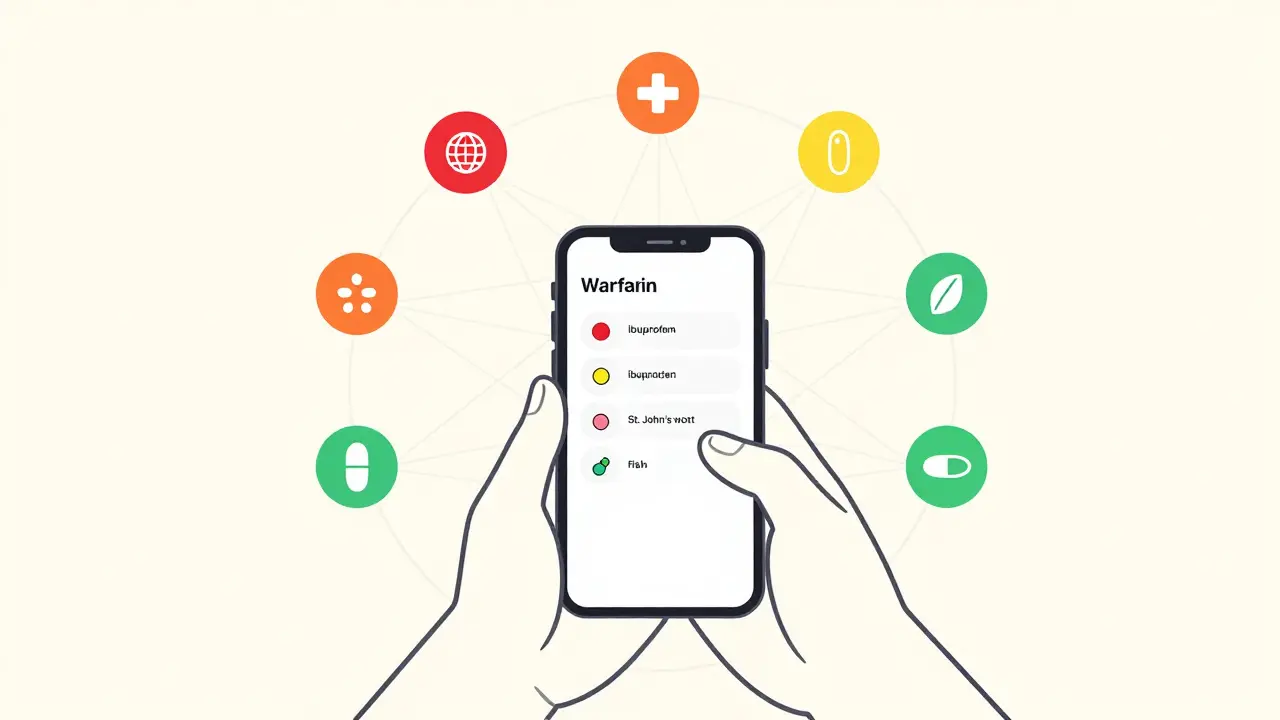
Drug Interaction Simulator
This simulator demonstrates how drug interaction checkers work using real-world examples from the article. Select medications/supplements and see how the tool identifies potential conflicts.
Interaction Results
Select medications to see results
Contraindicated
Don't take together. Example: MAO inhibitors and SSRIs. Risk of serotonin syndrome.
Significant
Monitor closely. Example: Warfarin and amiodarone. Blood thinning can spike.
Moderate
Possible effect. Example: Omeprazole and clopidogrel. Omeprazole reduces clopidogrel's effectiveness.
Minor
Unlikely to matter. Example: Calcium and vitamin D.
Every year, over 1.5 million adverse drug events happen in U.S. hospitals alone - and many of them are preventable. If you’re taking more than one medication, supplement, or even over-the-counter painkiller, you’re at risk. A simple mix like warfarin and ibuprofen can cause dangerous bleeding. A common cold medicine with dextromethorphan might clash with your antidepressant. These aren’t rare mistakes. They’re predictable ones - and drug interaction checkers exist to stop them before they happen.
What Exactly Is a Drug Interaction Checker?
A drug interaction checker is a tool that scans your list of medications and flags combinations that could cause harm. It doesn’t guess. It uses real pharmacology data: how drugs are absorbed, broken down by the liver, or affect heart rhythm. These tools are used by doctors, pharmacists, and now, patients themselves. Some live inside hospital systems like Epic or Cerner. Others are apps on your phone, like Medisafe or Epocrates. Even free web tools, like the one from the University of Liverpool, let you check interactions for specific conditions like COVID-19 treatments.The goal? Catch dangerous combos before you take them. Not all interactions are life-threatening - some just reduce how well a drug works. But the ones that matter? They can land you in the ER. And that’s why using a checker isn’t optional if you’re on multiple meds.
Step 1: Gather Your Full Medication List
Before you open any app or website, write everything down. Not just prescriptions. Include:- All prescription drugs (even ones you only take occasionally)
- Over-the-counter pills (ibuprofen, acetaminophen, antacids)
- Vitamins and supplements (vitamin D, fish oil, melatonin)
- Herbal products (St. John’s wort, echinacea, garlic pills)
- Recreational substances (alcohol, nicotine, cannabis)
Why? Because supplements and herbs aren’t harmless. St. John’s wort can make birth control fail. Grapefruit juice can turn a common cholesterol drug into a toxin. Alcohol can amplify sedatives. If you leave something out, the checker won’t see the risk.
Pro tip: Use your pharmacy’s printed list. Most pharmacies in New Zealand and the U.S. give you a full updated list every time you pick up a script. Keep it in your wallet or phone. Don’t rely on memory.
Step 2: Choose the Right Tool for You
Not all checkers are made the same. Your choice depends on who you are.If you’re a patient using your phone:
- Medisafe - Simple, visual, and free. Type in your meds, tap a button, and it shows you red, yellow, or green alerts. It caught nearly 100,000 dangerous interactions since launch. Works on iOS and Android.
- Epocrates - Used by clinicians. Faster lookup, more detailed explanations. Free version available. Good if you want to know why something is risky.
If you’re a healthcare worker or managing complex care:
- Micromedex - The gold standard in hospitals. Integrates with EHR systems. More accurate than most, but costs thousands a year for institutions.
- Lexi-Interact - Scores highest in clinical accuracy studies. Used by top hospitals like Mayo Clinic. Shows you severity levels and management tips.
If you’re checking for a specific condition:
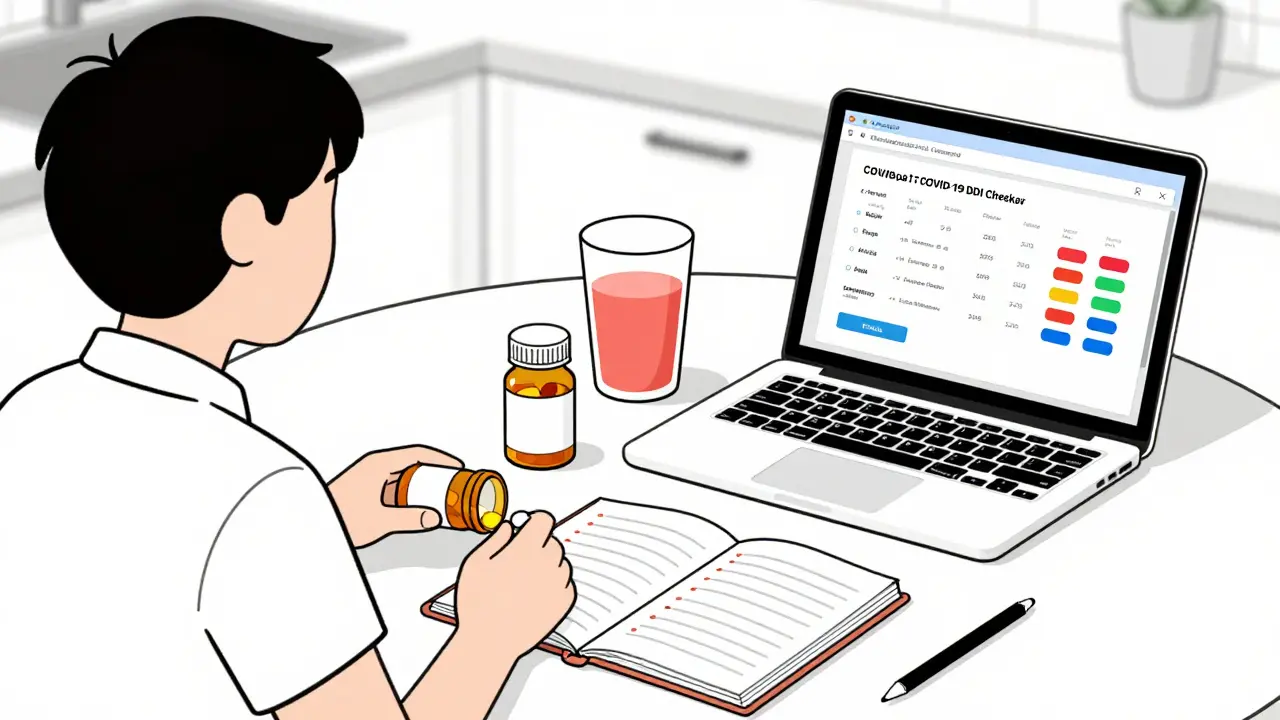
- University of Liverpool’s COVID-19 DDI Checker - Still useful. It’s built for antiviral combos like Paxlovid and shows color-coded risks: red = avoid, orange = monitor, yellow = note, green = safe.
Don’t use just one. A 2023 survey found 68% of pharmacists cross-check with at least two tools. Why? No checker catches everything.
Step 3: Enter Your Medications Correctly
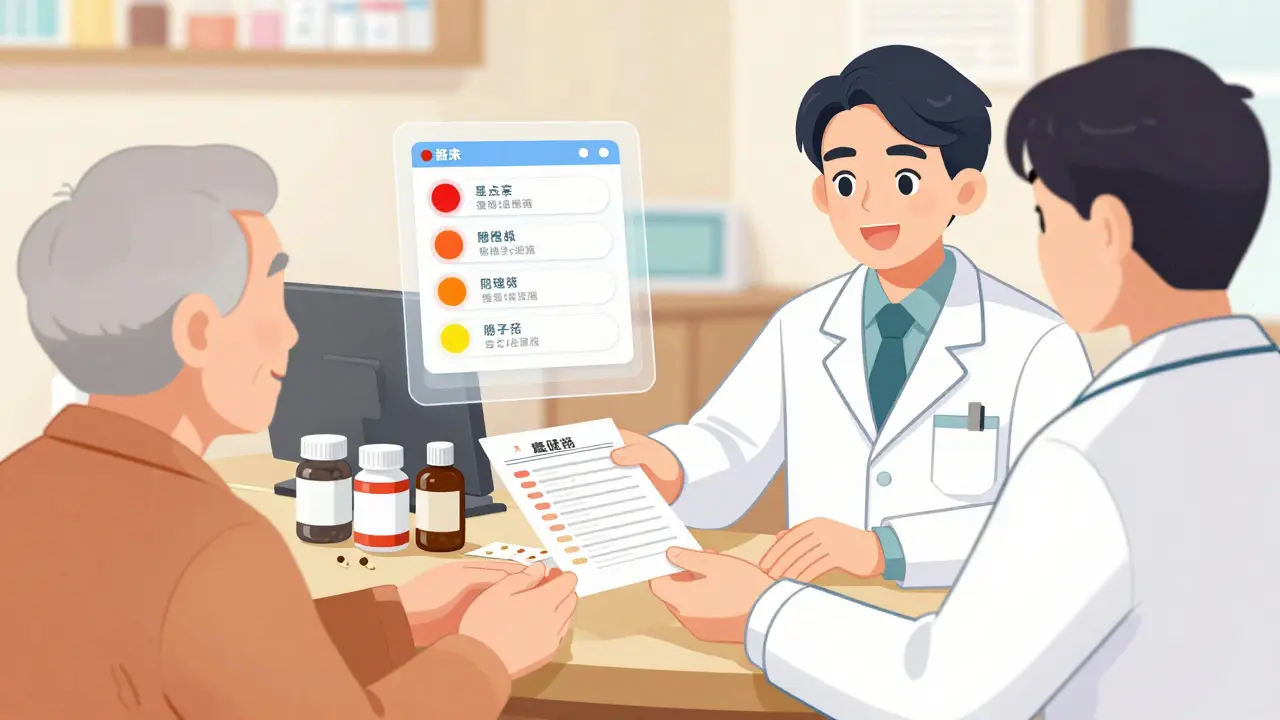
This is where most people mess up. Don’t just type “aspirin.” Type “aspirin 81 mg tablet.” Why? Because dosage and form matter.Example: Topical diclofenac gel and oral diclofenac? Low risk. Two oral diclofenac tablets? Dangerous. The checker needs to know which version you’re using.
Most tools let you:
- Type the drug name and pick from a dropdown
- Search by brand or generic name
- Select route (oral, injection, patch)
Plumb’s DDI Checker, used by many pharmacists, often fails if you type “ibuprofen” without the dose. It might not recognize it unless you enter “ibuprofen 400 mg.” Always be specific.
And don’t skip the supplements. If you take magnesium for sleep, enter it. If you use turmeric capsules, enter them. Many checkers now include herbal and supplement data - but only if you tell them.
Step 4: Understand the Results
Results aren’t just “yes” or “no.” They’re color-coded and ranked by severity.Here’s what you’ll typically see:
- Contraindicated (Red) - Don’t take together. Example: MAO inhibitors and SSRIs. Risk of serotonin syndrome.
- Significant (Orange) - Monitor closely. Example: Warfarin and amiodarone. Blood thinning can spike.
- Moderate (Yellow) - Possible effect. Example: Omeprazole and clopidogrel. Omeprazole reduces clopidogrel’s effectiveness.
- Minor (Green) - Unlikely to matter. Example: Calcium and vitamin D.
Click any alert. Most tools show a detailed explanation:
- What happens in your body?
- How common is it?
- What should you do? (e.g., “space doses 2 hours apart,” “check INR weekly,” “switch to alternative”)
Don’t ignore the “why.” If a checker says “avoid this combo,” it’s not being dramatic. It’s based on real patient data, lab studies, and clinical trials.
Step 5: Act on the Warning - Don’t Just Ignore It
Here’s the hard truth: 49% of hospital staff ignore DDI alerts. Why? Too many false alarms. But that’s not your excuse.If a checker flags a red alert:
- Don’t stop the medication yourself.
- Don’t assume “it’s fine, I’ve taken it before.”
- Call your pharmacist or doctor. Say: “I ran my meds through a checker and it flagged [drug A] and [drug B]. Can we review this?”
Pharmacists are trained to interpret these alerts. They know when to switch a drug, adjust the dose, or monitor you more closely. A 2022 study found that when pharmacists intervened on flagged interactions, adverse events dropped by 63%.
And if the checker says “no interactions”? Still double-check. No tool is perfect. A 2016 NIH study showed even the best systems miss 15-40% of real risks. That’s why combining tools and talking to a professional is the only safe approach.
Common Mistakes and How to Avoid Them
- Mistake: Only checking new meds. Solution: Re-check every time you add, remove, or change a dose - even if you’ve used the combo before.
- Mistake: Relying on Google. Solution: Google gives random blogs or ads. Use a verified checker. Even the free ones from reputable sources are better.
- Mistake: Thinking “I’m healthy, so it won’t affect me.” Solution: Liver and kidney function decline with age. A combo that was safe at 40 might be dangerous at 65.
- Mistake: Not updating your list. Solution: Set a monthly reminder to review your meds with a checker.
One patient in Auckland told her pharmacist she’d been taking fish oil and warfarin for years - no problem. The checker flagged a moderate interaction. She didn’t think it mattered. Two weeks later, she had a minor GI bleed. The interaction hadn’t been obvious until her INR spiked. Now she checks every time she refills a script.
What to Do If You Can’t Access a Checker
Not everyone has a smartphone or internet. That’s okay.Here’s what you can do:
- Take your written list to your pharmacy. Pharmacists run checks for free.
- Ask your doctor: “Can you run my meds through your system?” Most EHRs have built-in checkers.
- Call your local hospital’s pharmacy department. Many offer free consultations.
You don’t need tech to stay safe. You just need to ask.
Final Thought: This Isn’t About Technology - It’s About Control
Drug interaction checkers aren’t magic. They’re tools. The real power comes from you - the person taking the meds. You know your body. You know when you feel off. You know if a new pill made you dizzy or sleepy.Using a checker doesn’t replace your judgment. It supports it. It gives you facts so you can ask better questions. It turns fear into control. And in a world where most people take 3-5 meds, that’s not just helpful - it’s life-saving.
Start today. Pull out your pill bottle. Open your phone. Type in your meds. See what pops up. You might just catch something no one else noticed.
Can I trust free drug interaction checkers?
Yes - if they’re from reputable sources. Tools like Medisafe, Epocrates, and the University of Liverpool’s checker are backed by clinical data and regularly updated. Avoid random websites or apps with no clear publisher. Always check if the tool cites sources like Micromedex, Lexicomp, or DrugBank.
Do drug interaction checkers include supplements and herbs?
Most modern checkers do - but not all. Medisafe, Epocrates, and DrugBank include common supplements. But older or basic tools may not. Always manually enter herbal products like St. John’s wort, ginkgo, or garlic supplements. Don’t assume they’re safe just because they’re natural.
Why do I get so many alerts on my checker?
Too many alerts are called “alert fatigue.” Some systems flag every possible interaction, even minor ones. Hospitals fix this by customizing alerts for specialties - for example, ignoring low-risk combos in geriatrics. For personal use, focus on red and orange alerts. Yellow ones often don’t need action. If you’re overwhelmed, switch to a simpler tool like Medisafe or ask your pharmacist to help you filter.
What if my doctor says the interaction isn’t a problem?
That’s okay - but only if they’ve seen your full list and understand your health. Some doctors rely on memory or older data. Ask them: “Can you check this in your system?” or “Is there a safer alternative?” If they dismiss it without reviewing, get a second opinion from a pharmacist. They’re trained specifically in drug safety.
How often should I check my medications?
Every time you start, stop, or change a dose - even for a short-term medication like antibiotics. Also check quarterly, or every six months, if your meds are stable. Many people forget about supplements they’ve been taking for years. A 2023 study found 41% of dangerous interactions happened with long-term supplements, not new prescriptions.

15 Comments
They don't want you to know this but every single drug checker is controlled by Big Pharma to keep you dependent. The real danger is the FDA letting them approve meds that interact on purpose to keep you coming back. I've seen the documents.
This is so important. I used to skip checking my supplements until my mom ended up in the ER. Now I check everything - even the gummy vitamins. Seriously, just take 2 minutes. It’s not hard.
In India, we don't have access to these apps... but our pharmacists? They know more than your phone. They remember your grandfather's meds, your aunt's diabetes, your cousin's depression. Tech is nice, but human memory? That's wisdom. And yes, I'm still mad you didn't mention Ayurveda.
The precision of medication management is a cornerstone of patient safety. Failure to account for pharmacokinetic interactions, particularly in polypharmacy populations, constitutes a significant clinical oversight. I commend the inclusion of Lexi-Interact and Micromedex as benchmarks.
I used to think I was fine because I’ve been on the same meds for 10 years. Then I started taking melatonin and my blood pressure spiked. Turns out it interacts with my beta-blocker. I didn’t know. Now I check every single time. Don’t be like me.
You say '49% of hospital staff ignore alerts' like that's a bad thing. Maybe they're not idiots. Maybe the system is broken. I've seen alerts for combining aspirin and water. You can't fix stupid with more notifications. You need fewer, smarter alerts - not more.
The real tragedy isn't the drug interactions - it's the epistemological collapse of self-agency. We've outsourced our bodily sovereignty to algorithmic gatekeepers masquerading as 'tools.' The checker doesn't save you - it colonizes your autonomy under the guise of safety. You're not managing meds. You're performing compliance.
Just started using Medisafe last month and it changed everything. I didn’t even realize I was taking two things that messed with my sleep. Now I set reminders and share my list with my sister. We’re all safer because we talk about it. You got this.
If you're on more than three meds, you owe it to yourself to do this. Not because it's trendy - because your life depends on it. I used to think I was too young to worry. I was wrong. Start today. Don't wait for a scare.
America's healthcare system is a joke. We need real regulation, not some app that tells you your ibuprofen might interact with your antidepressant. Meanwhile, our doctors are overworked and underpaid. This is a symptom, not a solution.
I never thought about herbal stuff. I took turmeric for my knees and didn't think it counted. Then I checked and saw it was a yellow alert with my blood thinner. I stopped it. Now I ask my pharmacist every time I buy something new. Simple.
Drug interaction checkers are essential tools in modern pharmacotherapy. Their integration into clinical workflows has demonstrably reduced adverse drug events. The data presented here aligns with peer-reviewed literature from the Journal of the American Pharmacists Association.
They're lying about the Liverpool checker. It's funded by the WHO and secretly tracks your medication habits to feed into global health databases. They're building a profile on you. Don't enter your real meds. Use fake names. Trust no one.
I’m 72 and I’ve been on 8 meds for years. I thought I knew them all. Then I got a new bottle of fish oil and thought, ‘eh, it’s just a supplement.’ So I typed it into Medisafe. Red alert with my warfarin. I called my pharmacist. She said, ‘Oh honey, you’ve been lucky.’ I cried. Then I made a list. Now I check every month. Don’t wait for your scare. Just do it.
This guide is so basic. Anyone with a high school biology class should know this. And you recommend Medisafe? Please. That’s for people who can’t read a label. Real professionals use Lexicomp. And you didn’t even mention CYP450 enzymes. Pathetic.